
What Is My IP Address? Check Your Public IP Instantly
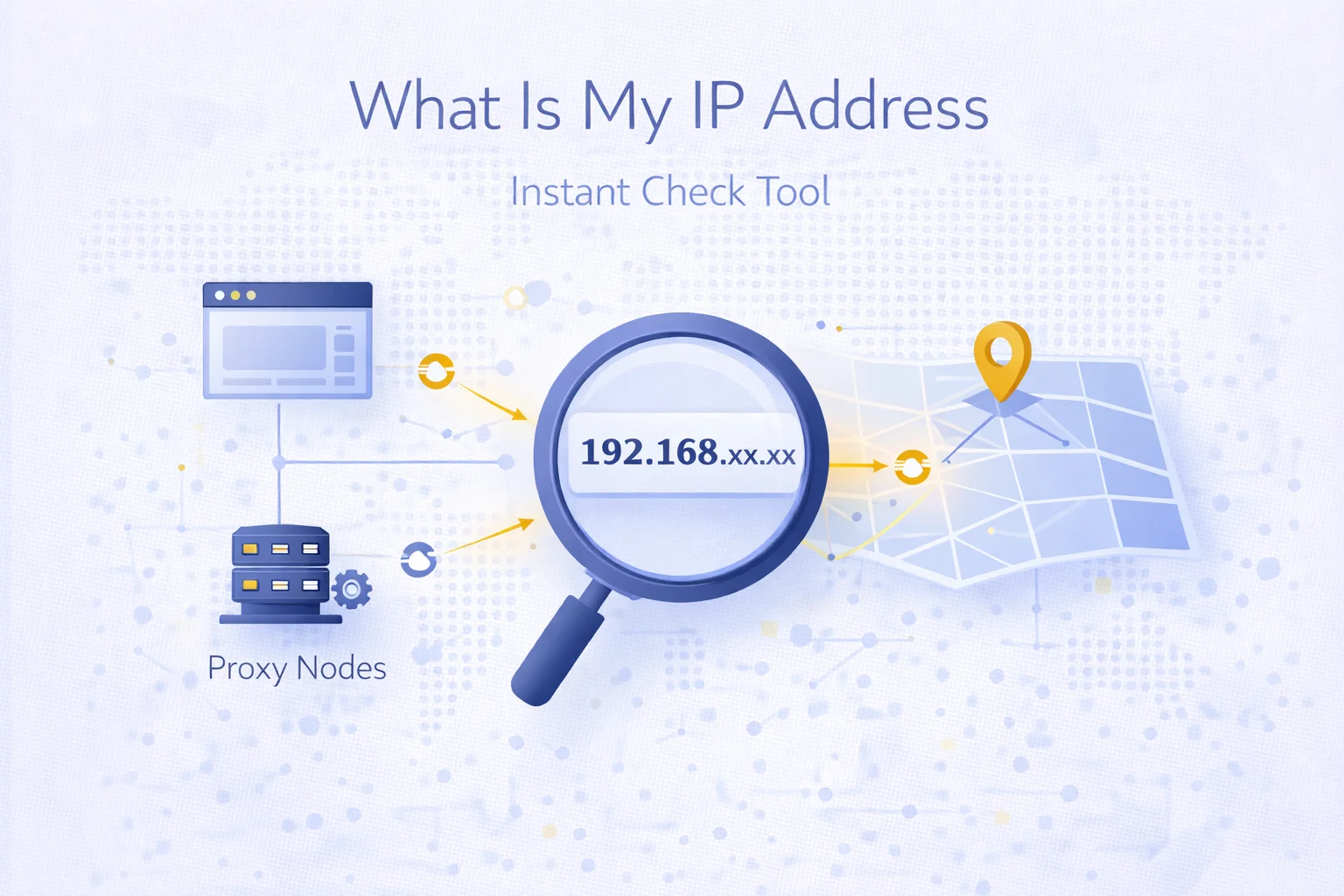
Every device connected to the internet has a public IP address that websites and online services can detect. Your IP reveals information such as your approximate location, internet provider and network type.
The MangoProxy What Is My IP tool allows you to instantly see your current public IP and verify whether your connection identity is being masked by a proxy or VPN.
Why Checking Your IP Matters
Knowing your IP address is useful in many real-world scenarios:
- verifying that a proxy connection is active
- testing geolocation targeting
- debugging automation environments
- confirming VPN routing
- checking anonymity setup
If your IP does not change after connecting to a proxy, it may indicate a configuration issue.
What Information This Tool Shows
The tool provides real-time connection data including:
- public IP address
- ISP / provider
- country and city location
- browser and system details
- request headers such as user-agent
- connection behavior indicators
This information helps diagnose routing problems and confirm traffic identity.
How to Change Your IP Address
If you need a different IP address for testing or operational purposes, you can use proxy infrastructure to route traffic through alternative networks.
MangoProxy provides multiple proxy environments:
- residential proxies for realistic user identity
- mobile proxies for dynamic carrier routing
- ISP proxies for stable sessions
- datacenter proxies for high-speed automation
Switching proxy location or rotation mode allows you to simulate traffic from different regions.
When to Use an IP Checker
IP checking tools are commonly used in:
- web scraping workflows
- multi-account environments
- SEO monitoring
- ad verification
- QA testing
- privacy configuration validation
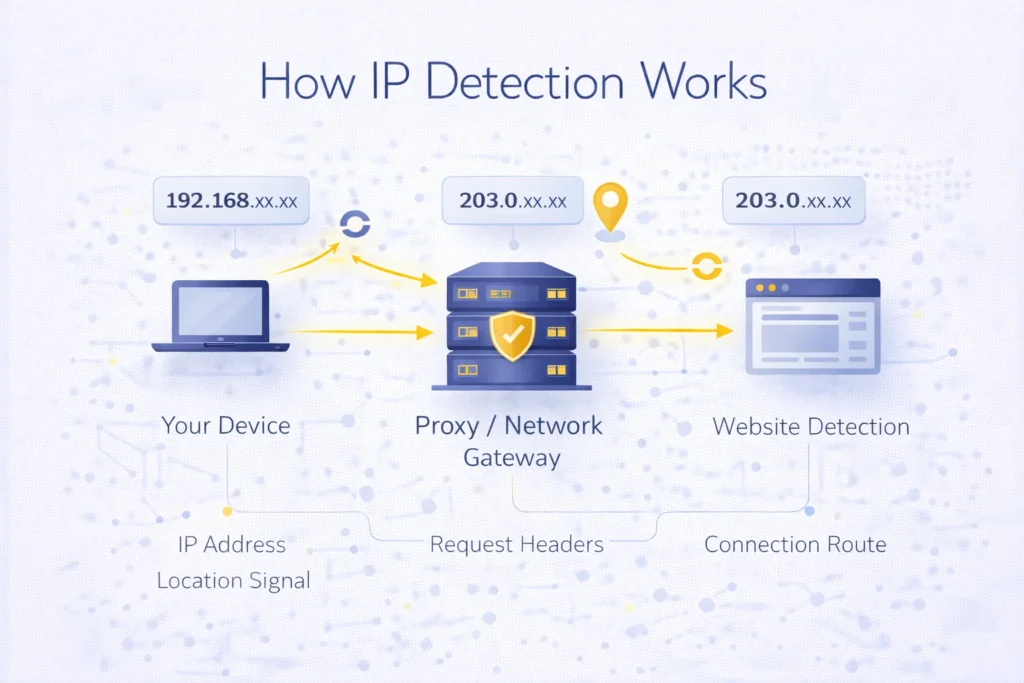
Automation teams often integrate IP verification into deployment pipelines to ensure routing logic works as expected.
Why Your IP Might Not Change
Some common reasons include:
- proxy authentication failure
- DNS or WebRTC leaks
- browser caching
- incorrect gateway configuration
- sticky session routing
Testing your connection after each configuration change helps avoid operational issues.
Check Your IP with MangoProxy
Use the What Is My IP tool to instantly confirm your routing identity and verify whether your traffic appears from the intended location.
If you require scalable IP switching, rotating proxy environments can help distribute requests across multiple endpoints.

Frequently asked questions
Here we answered the most frequently asked questions.
What is a public IP address?
A public IP is the address visible to websites when you access the internet.
Can a proxy change my IP?
Yes. A proxy routes your traffic through another server and replaces your visible IP.
Why does my IP stay the same?
This may happen if the proxy is not configured correctly or if sticky routing is enabled.
Is checking my IP safe?
Yes. IP checker tools simply display information already visible to websites you visit.