
What is my IP address?
Your IP address (Internet Protocol address) is a unique number assigned to your device when you connect to the internet. It allows websites, servers, and services to identify your device and send data back to it.
There are two main types of IP addresses:
– IPv4 – the most common format (e.g., 192.168.1.1)
– IPv6 – a newer format designed to support more devices
When you visit a website, your IP address is visible to servers and can reveal your approximate location and internet provider.
How does the “What is my IP” tool work?
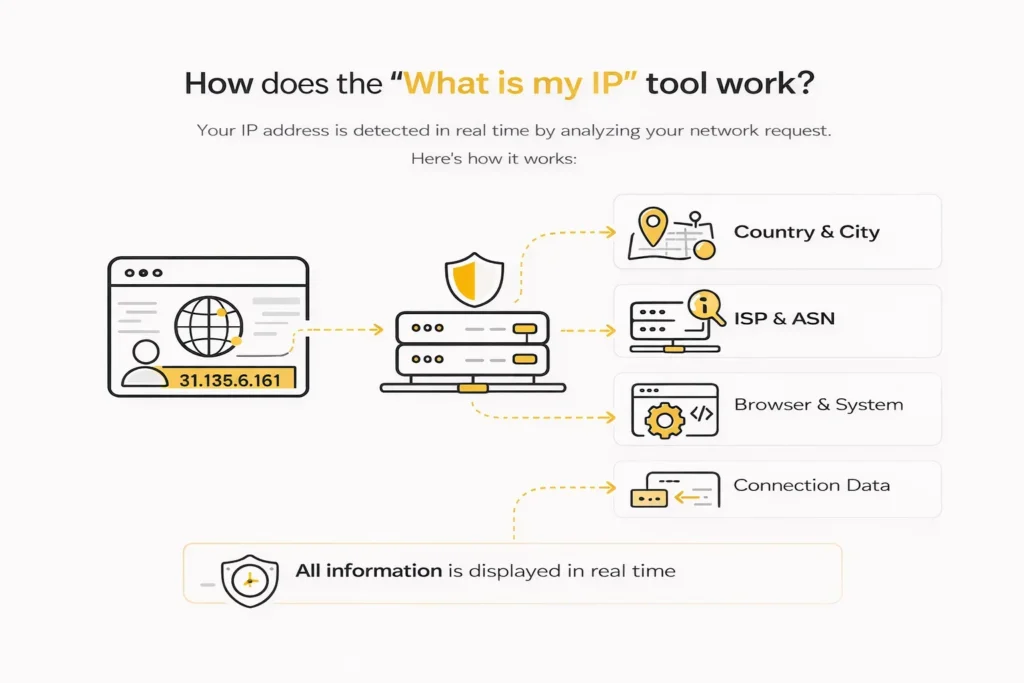
This tool automatically detects your public IP address by analyzing your network request. When you load this page, your browser sends a request to our server, which captures your IP and displays relevant information.
The tool provides:
– Your public IP address
– Country and city location
– Internet Service Provider (ISP)
– Browser and operating system details
– Connection data (headers, protocols)
All information is displayed in real time without requiring any manual input.
This tool automatically detects your public IP address by analyzing your network request.
👉 For a detailed explanation of how IP detection works, read our guide What Is My IP Address?
Why check your IP address?
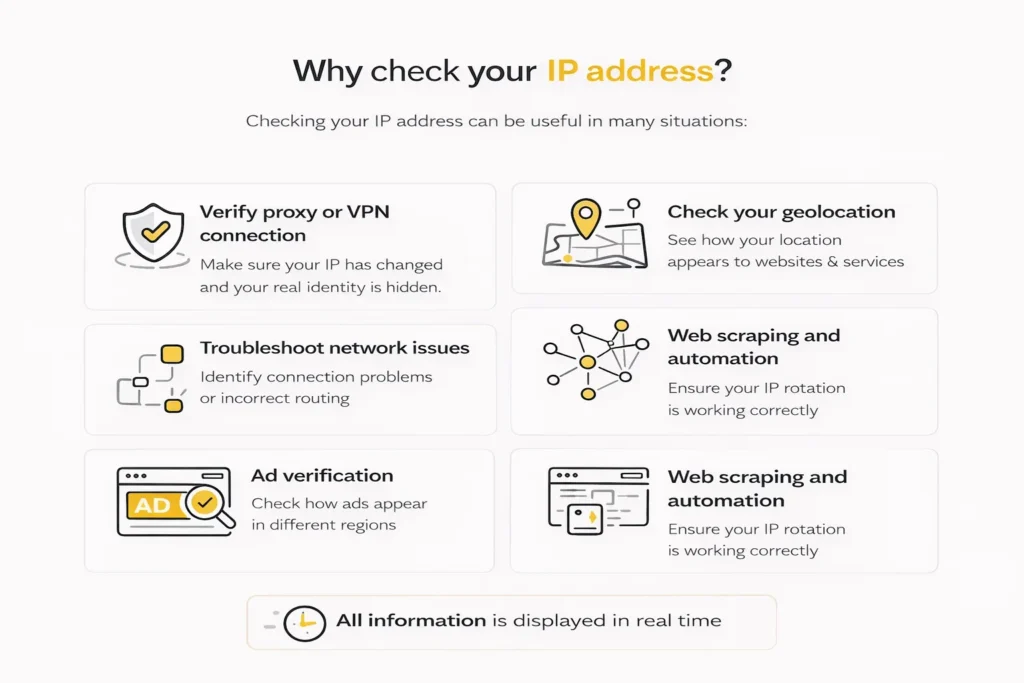
Checking your IP address can be useful in many situations:
Verify proxy or VPN connection
- Make sure your IP has changed and your real identity is hidden.
Check your geolocation
- See how your location appears to websites and services.
Troubleshoot network issues
- Identify connection problems or incorrect routing.
Web scraping and automation
- Ensure your IP rotation is working correctly.
Ad verification
- Check how ads appear in different regions
How to change your IP address?
If you want to change your IP address, you can use a proxy or VPN service.
High-quality proxies allow you to:
– Access content from different locations
– Avoid blocks and detection
– Rotate IP addresses for scraping and automation
– Improve privacy and anonymity
Using reliable residential or mobile proxies ensures better performance and trust compared to free or low-quality solutions.
Need more details about an IP?
If you want to analyze a specific IP address in detail, including ASN, ISP, and network type, use our IP Lookup tool.

Frequently asked questions
Here we answered the most frequently asked questions.
What is my IP address?
Your IP address is a unique identifier assigned to your device when connected to the internet.
Can my IP reveal my exact location?
No, IP addresses show approximate location (city or region), not exact address.
Does a VPN change my IP?
Yes, a VPN replaces your real IP with another one, masking your location.
What is the difference between public and private IP?
A public IP is visible on the internet, while a private IP is used inside local networks.
Is checking my IP safe?
Yes, checking your IP is completely safe and commonly used for diagnostics and security.