
What Is IP Lookup and How to Check an IP Address
What Is IP Lookup
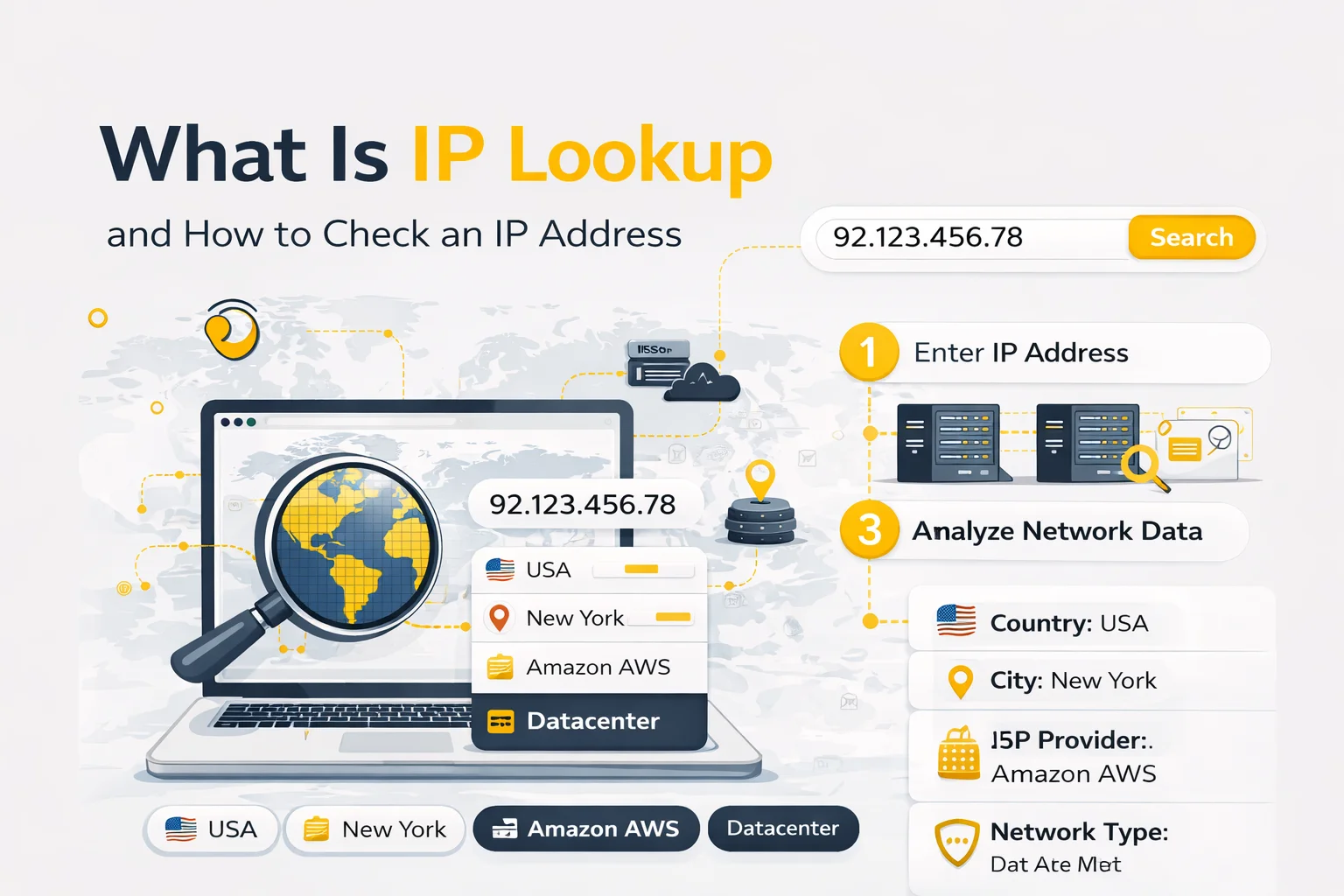
IP Lookup is the process of identifying geolocation and network characteristics of an IP address using IP intelligence databases.
When you perform an IP lookup, you can typically see:
- country and region
- city-level location
- internet service provider
- network usage type
- approximate coordinates
- reverse DNS or domain
This information helps understand how a specific IP address is recognized by websites and online platforms.
Why Check an IP Address
There are many practical scenarios where IP lookup becomes essential.
Verify proxy geolocation
When working with proxies, it is important to confirm that the IP belongs to the expected country or network.
Debug automation or scraping workflows
Incorrect IP routing can cause blocks, captchas or request failures.
Analyze traffic infrastructure
Marketers and analysts often use IP lookup to understand where traffic originates.
Investigate suspicious activity
Security teams use IP lookup to identify unknown connections.
How IP Lookup Works
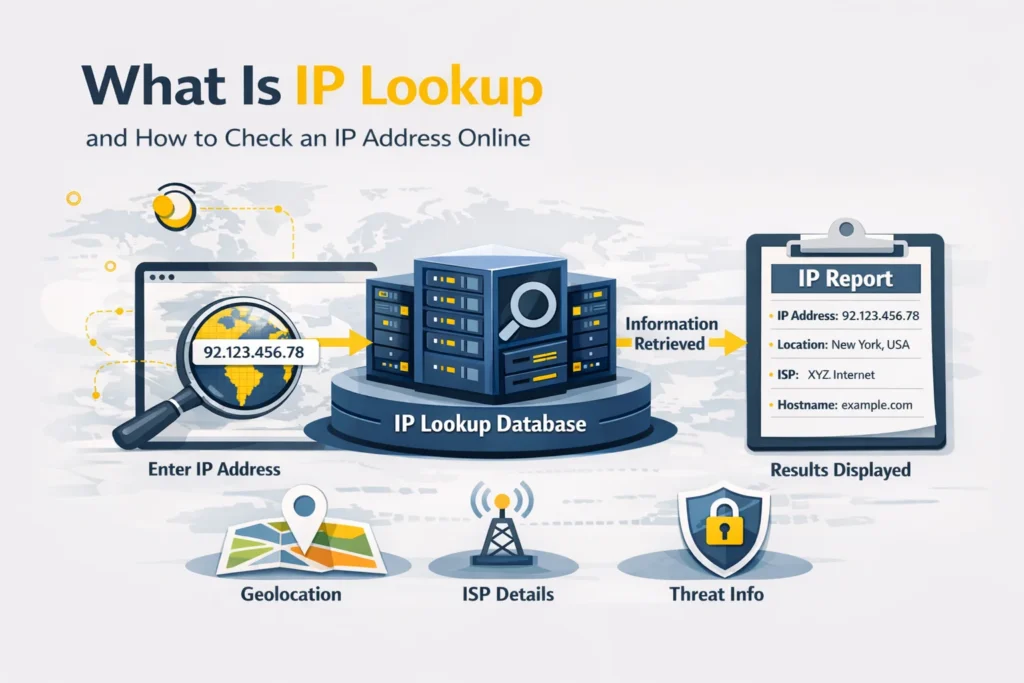
When you enter an IP address into a lookup tool, the system queries global IP allocation databases and returns metadata about the network.
Typical lookup results include:
- location data
- ISP ownership
- network classification
- coordinates
- domain information
IP geolocation is approximate and depends on ISP reporting accuracy.
You can try the IP Lookup tool to check any IP instantly.
Types of IP Addresses
Datacenter IP
Owned by hosting providers or cloud platforms.
They are fast and scalable but more likely to be detected by anti-bot systems.
Residential IP
Assigned to real internet users by ISPs.
These IPs usually have higher trust levels.
Mobile IP
Provided by mobile carriers and often dynamically rotated.
They are considered highly trusted for automation and verification tasks.
How to Check Your Own IP Address
If you want to see your current public IP address, you can use the What Is My IP tool
This helps verify proxy or VPN configuration instantly.
When to Use Proxies Instead of Direct Connections
If you need to access geo-restricted content, manage multiple accounts or run large-scale automation, using proxies is often necessary.
Depending on the use case you can choose:
Conclusion
IP Lookup is a simple but powerful diagnostic tool that helps analyze IP addresses and understand network infrastructure.
By combining IP lookup with proxy testing tools, users can build more stable routing setups and reduce detection risks.

Frequently asked questions
Here we answered the most frequently asked questions.
Can I check any IP address?
Yes. You can check any valid IPv4 or IPv6 address using an IP lookup tool
Is IP geolocation accurate?
Country-level detection is usually reliable, while city-level precision may vary.
Does IP lookup show exact device location?
No. It shows network registration location rather than physical device position.
Can IP lookup detect proxies?
It may indicate network type such as datacenter or mobile, but it does not guarantee real-time proxy detection. Environments can help distribute requests across multiple endpoints.