
Multicards for Media Buying: Virtual Cards and Ad Budget Management
Published: ≈ 7 min read
When a team manages several ad accounts and projects, keeping track of payments becomes a job in itself. You need to know which campaign a charge belongs to, how much each buyer has been allocated, and how much is still available. When expenses go unrecorded, reconciling them takes longer and an unexpected charge can send you searching through individual ad accounts.
Multicards is a virtual card service for issuing cards, setting spending limits, and tracking team expenses. Here’s how media buying teams can use those features and what to check before their first top-up.
What Is Multicards?
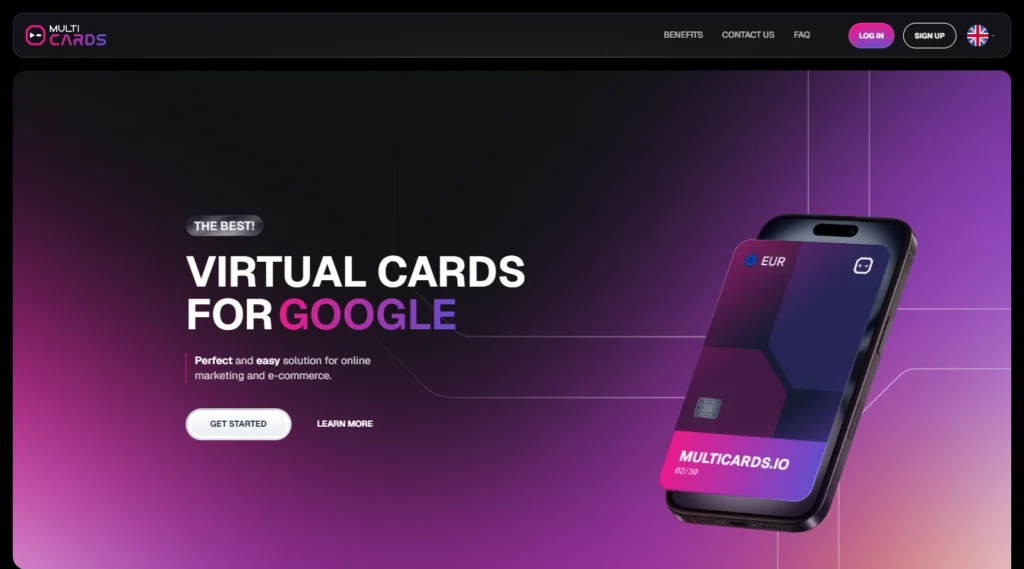
Multicards provides virtual cards for managing advertising payments and budgets. Its cards can be used for Meta Ads, Google Ads, and TikTok Ads, as well as supported tools such as AI services, proxies, and CRM software.
The service is designed for media buyers, affiliate teams, performance marketers, and agencies. It offers balance cards and limit cards, transaction history, data exports, shared budget management, and API access for workflow automation.
How Media Buyers Use Virtual Cards
Using one card across many ad accounts ties their payments to the same card. If several of those accounts are suspended, the ad platform may flag the card during a payment review. If an account is compromised or the team loses access, the card may continue to be charged while the team is unable to pause the campaigns.
Teams can assign separate virtual cards to individual ad accounts or projects, cap spending, and block a card if they lose control of an account. Multicards gives teams several ways to manage that setup.
- Team roles. Owners, team leads, media buyers, and accountants have their own permissions, so each person can work from their own account.
- Card limits. Set daily and total limits for individual buyers or let a limit card draw from the available account balance.
- Dashboard. Use the Statistics, Balance, Cards, and Team sections to check spending, balances, and card activity.
- Accounting access. Accountants can use dashboard exports to track expenses and top-ups.
- Data exports. Download transaction and funding records in CSV or Excel format for team reporting.
BINs and Payment Infrastructure
A Bank Identification Number (BIN) is the first six or eight digits of a card number. It identifies the issuer and can provide details about the card’s issuing country and product type.
For media buyers, the BIN is one factor in choosing a card for a particular platform. Payment approval also depends on the ad account’s billing settings and the checks performed by the payment network and card issuer.
When choosing a card for Meta Ads, Google Ads, or TikTok Ads, check whether the BIN is recommended for that platform, where the card was issued, which currency it uses, and what limits and fees apply.
You can check these details using the icons shown when you issue a card. The Multicards account management team is available around the clock if you need help choosing a BIN.
Managing Ad Budgets
Multicards offers balance cards and limit cards. You fund a balance card separately from the main account balance. A limit card draws directly from the main account balance.
Daily and total card limits let you set spending rules based on what the card is for and who will use it.
| Team task | Multicards feature | How to use it |
|---|---|---|
| Separate payments | Multiple virtual cards | Assign cards to individual ad accounts and projects |
| Cap spending | Daily and total limits | Set a spending cap for an approved test |
| Check charges | Transaction history | Find a transaction and check its status |
| Prepare a report | Data exports | Reconcile card payments with the team’s records |
| Manage team access | Team controls | Assign roles, cards, and budgets |
Suppose your team runs two projects and is testing a new campaign. You can assign cards to each project and agree on spending limits. After the test, compare the charges with the campaign results before deciding whether to keep spending.
Set card limits with the ad platform’s budget and billing schedule in mind. If a scheduled charge exceeds the available balance or card limit, it can be declined. Check available funds and upcoming charges regularly.
Team Roles and Reporting
Multicards has four main roles.
- Owner. Has full access to the service, can see statistics for the whole team, allocate funds, and assign roles.
- Team Lead. Manages buyers and their budgets, grants permission to issue cards, and can block a buyer’s cards when they leave the team.
- Media Buyer. Manages their own cards and statistics, issues cards within their permissions, and uses their allocated budget to test and run campaigns.
- Accountant. Can view statistics and export data in CSV or Excel format. Card issuance and payments are outside this role’s permissions.
Contact your account manager or support to enable the Team section.
Funding Your Account
You can fund your account with USDT on the TRC20 or ERC20 network, by wire transfer, or through Capitalist. The top-up fee ranges from 1% to 3%, depending on your monthly ad spend.
Check the card issuance fee as well. It can vary by BIN and issuing country.
Multicards in a Media Buyer’s Workflow
An ad account, a browser profile, a network connection, and a payment card each play a role in a media buying setup.
Multicards handles card payments and expense tracking. Teams can use MangoProxy to connect individual browser profiles to their ad accounts through proxies.
When setting up an account in an antidetect browser, choose a proxy location that matches the account’s region. A mismatch can lead to account restrictions or suspension.
Billing geography is a separate setting. Depending on the platform’s billing rules, the card’s issuing country can differ from the ad account’s region.
Who Is Multicards For?
Multicards is useful for teams that need virtual cards for advertising, separate spending across projects, and budget controls for multiple buyers. It’s especially relevant for agencies with several clients and media buyers who manage multiple ad accounts.
Solo buyers can issue separate cards for different projects and track their payments in one place.
Conclusion
Multicards helps media buyers pay for advertising and related tools such as hosting and AI services. Its range of BINs and flexible card settings can help teams manage payment risk, reduce declines, and avoid interruptions to ad spend.
Use promo code MANGOPROXY to get 20 free cards and pay no fee on your first top-up of up to $5,000.
Frequently asked questions
Here we answered the most frequently asked questions.
Can I use Multicards for advertising subscriptions as well as ads?
Yes, for supported advertising-related services such as hosting, analytics, monitoring and AI tools. Give support the name of your subscription to check which BIN to use.
Does a limit card need a separate balance?
Its payments draw from the main account balance within the configured limits. A balance card, by comparison, receives funds separately. Ask your manager about access to limit cards.
Can an accountant make payments?
No. In the role setup published by Multicards, accountants can read the statistics but cannot issue cards or make payments. Funding sits with the owner or relevant team lead.
Are the fees the same for every card?
Card issuance fees can vary by BIN and issuing country. The account top-up fee ranges from 1% to 3%, depending on your monthly ad spend.