
How to Check If a Proxy Works (Free Proxy Checker Guide)
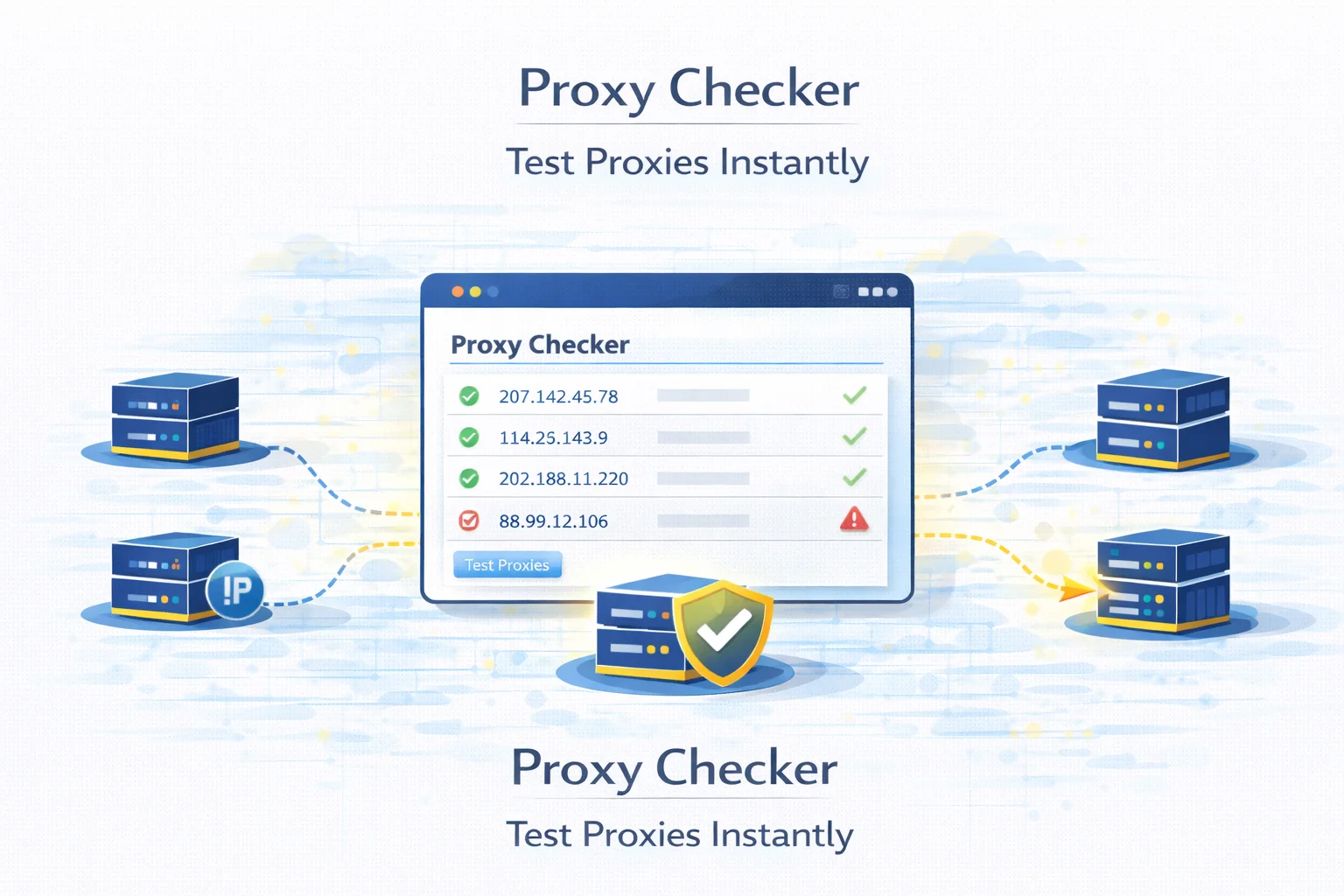
Proxy servers are widely used for automation, web scraping, multi-account management and privacy protection. However, not every proxy server works reliably. Some proxies may be offline, incorrectly configured or blocked by websites.
Before using proxies in production workflows, it is important to verify that they are working correctly.
A proxy checker allows you to test proxies instantly and determine whether they are active, how fast they respond and what type of connection they provide.
You can test proxies directly using the MangoProxy Proxy Checker tool.
Quick Answer
A proxy checker tests whether a proxy server works correctly.
Typical checks include:
- connection status
- IP address verification
- response speed
- proxy protocol
- anonymity level
These checks help developers filter out broken or slow proxies before using them in automation workflows.
What Is a Proxy Checker
A proxy checker is a diagnostic tool that verifies whether proxy servers are functioning properly.
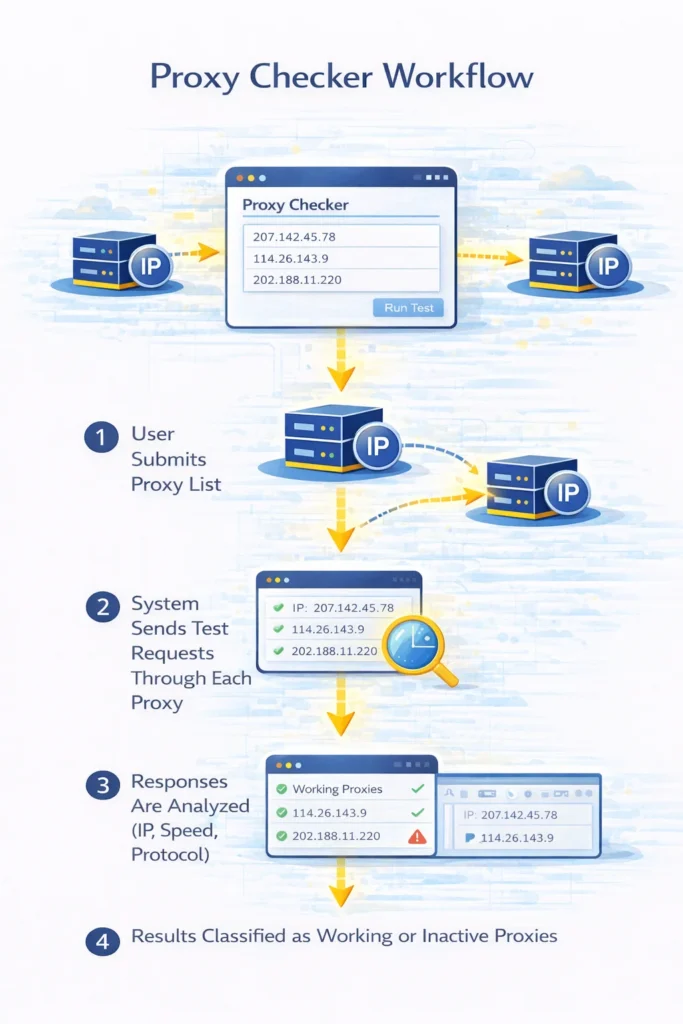
Instead of manually testing each proxy connection, the tool automatically sends test requests through the proxy server and analyzes the response.
This allows developers to quickly determine:
- whether the proxy is active
- how fast the proxy responds
- which protocol it supports
- which IP address is visible to websites
How the MangoProxy Proxy Checker Works
The MangoProxy tool allows you to test multiple proxies at once.
To run a test:
- Insert a list of proxies into the checker
- Choose the protocols you want to verify
- Start the verification process
The system will send test requests through each proxy and analyze the responses.
Supported proxy formats include:
IP:PORT
IP:PORT:LOGIN:PASSWORD
This allows you to test both public and private proxies.
Supported Proxy Protocols
The proxy checker supports several widely used protocols.
| Protocol | Typical Use Case |
| HTTP | web scraping and automation |
| HTTPS | encrypted web traffic |
| SOCKS4 | basic proxy routing |
| SOCKS5 | flexible protocol for many applications |
Testing protocol compatibility is important because some applications only support specific proxy types.
What Data the Proxy Checker Shows
After verification the tool displays several important connection parameters.
| Data | Explanation |
| proxy status | whether the proxy works or not |
| protocol type | HTTP, HTTPS, SOCKS4 or SOCKS5 |
| response speed | how quickly the proxy responds |
| IP address | external IP visible to websites |
| location | geographic region of the proxy |
| anonymity level | how well the proxy hides your IP |
These parameters help determine whether a proxy is suitable for tasks such as scraping or automation.
Why You Should Test Proxies Before Using Them
Proxy reliability varies significantly depending on the provider and infrastructure.
Testing proxies before using them helps avoid problems such as:
| Problem | Result |
| inactive proxies | automation scripts fail |
| slow proxies | scraping becomes inefficient |
| blocked proxies | websites reject connections |
| incorrect location | geo-targeting fails |
| misconfigured authentication | connection errors appear |
A proxy checker allows you to quickly identify and remove problematic proxies.
When Developers Use Proxy Checkers
Proxy testing tools are widely used in several technical workflows.
Web Scraping
Scraping systems often rely on large proxy pools. Testing proxies helps ensure that only working endpoints are used.
Related guide: Best Proxy for Web Scraping
Multi-Account Management
Many platforms limit the number of accounts per IP address. Proxy testing ensures that each account uses a valid connection.
Automation Tools
Automation software frequently requires stable proxies. Checking proxies before deployment helps prevent runtime errors.
Troubleshooting Proxy Errors
If your automation scripts suddenly stop working, a proxy checker helps determine whether the problem is caused by:
- inactive proxies
- authentication errors
- network instability
Checking Proxy IP Address
When testing proxies, it is often useful to confirm the IP address that websites actually see.
You can verify this using the What Is My IP tool.
This helps ensure that your proxy successfully hides your real IP address.
Final Thoughts
A reliable proxy infrastructure is essential for automation, scraping and large-scale data collection.
However, proxy performance can vary significantly depending on network conditions and provider quality.
Using a proxy checker helps developers quickly identify working proxies, remove inactive ones and build more stable automation systems.
Glossary
Proxy Checker
A tool used to test whether proxy servers work correctly.
Proxy Protocol
The communication method used by a proxy server such as HTTP or SOCKS5.
Proxy Pool
A collection of proxy servers used for distributing traffic.
Anonymity Level
The degree to which a proxy hides the original client IP.

Frequently asked questions
Here we answered the most frequently asked questions.
How do I know if my proxy works?
You can test it using a proxy checker that sends requests through the proxy and analyzes the response.
Can I test multiple proxies at once?
Yes. Most proxy checkers allow you to paste a list of proxies and test them simultaneously.
What proxy formats are supported?
Common formats include IP:PORT and IP:PORT:LOGIN:PASSWORD.
Does the proxy checker support SOCKS5?
Yes. The MangoProxy checker supports HTTP, HTTPS, SOCKS4 and SOCKS5 proxies.
Always make sure to check for DNS leaks alongside basic IP verification, otherwise the proxy only masks half your footprint