
503 Service Unavailable When Using Proxies (Complete Guide)
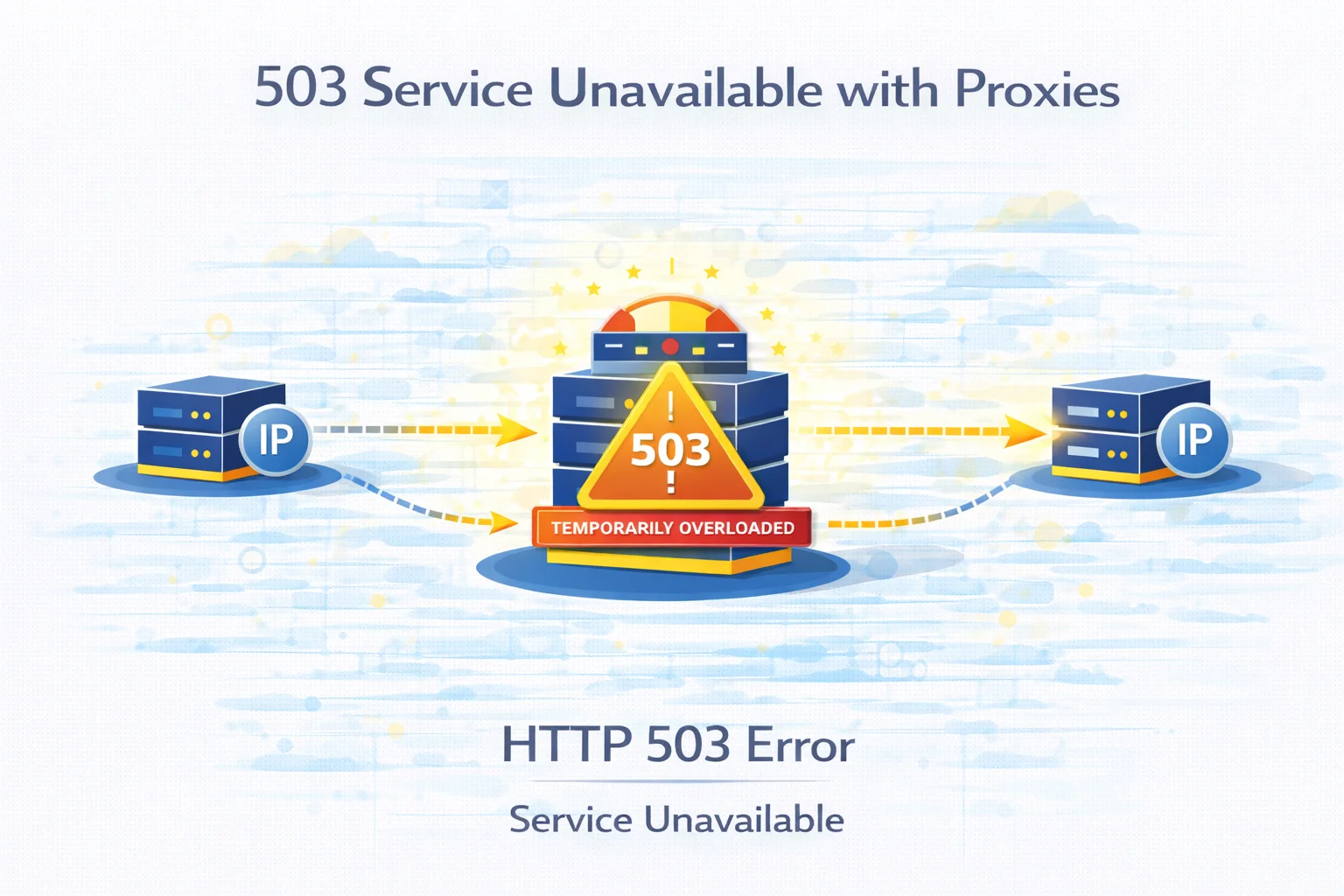
Automation systems, scraping tools and monitoring platforms often rely on proxy networks to distribute traffic and avoid request concentration. By routing requests through intermediary infrastructure, developers can operate large-scale data pipelines without exposing a single IP address.
However, routing traffic through additional infrastructure layers occasionally produces server-side errors. One of the responses developers sometimes encounter is HTTP 503 Service Unavailable.
Unlike connection failures or authentication errors, a 503 response usually indicates that the destination service is temporarily unable to process incoming traffic.
In proxy-based environments this may happen for several reasons, including overloaded servers, temporary rate limits or traffic filtering mechanisms.
Understanding what causes these responses makes it easier to stabilize automation workflows.
Quick Explanation
A 503 Service Unavailable error appears when a server temporarily cannot process additional requests.
In environments where traffic passes through proxy infrastructure, this may occur because of:
- high traffic spikes on the destination website
- temporary rate-limiting systems
- overloaded proxy routing nodes
- infrastructure maintenance
- traffic filtering mechanisms
Most of the time the service becomes available again after a short delay.
Key Points
- HTTP 503 indicates a temporary service interruption
- large request volumes may trigger protection systems
- distributed traffic sometimes amplifies server load
- retry logic helps automation systems recover quickly
- balanced traffic distribution improves request success rates
What the 503 Status Code Actually Means
HTTP status codes in the 5xx category indicate that a problem occurred on the server side while processing a request.
A 503 Service Unavailable response specifically means that the server is currently unable to handle the request but may become available again later.
This situation may occur when:
- system resources are temporarily exhausted
- infrastructure scaling is in progress
- maintenance operations are running
- request queues become overloaded
For developers working with proxy networks, this response often appears during periods of heavy traffic.
Why Proxy Traffic Can Trigger 503 Responses
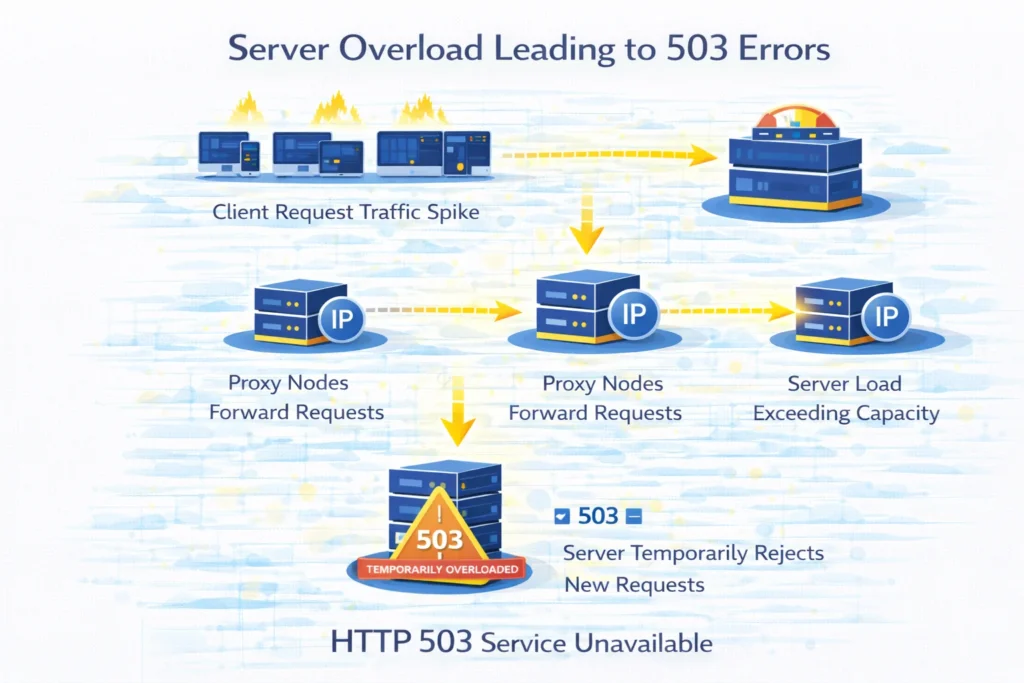
Requests routed through proxy infrastructure typically travel through multiple systems before reaching the destination website.
A simplified request path may look like this:
Client → Proxy Gateway → Proxy Node → Destination Website
When many requests reach the destination server simultaneously, the service may temporarily refuse additional connections.
Instead of returning a permanent block, the system responds with 503 Service Unavailable, indicating that requests should be retried later.
This mechanism helps websites maintain infrastructure stability during traffic spikes.
Common Reasons for 503 Errors in Proxy Workflows
Several factors may lead to this response.
| Situation | What Happens |
| traffic spikes | server receives more requests than it can process |
| rate limiting | request frequency exceeds platform limits |
| maintenance events | service temporarily taken offline |
| infrastructure overload | server resources become saturated |
| proxy node congestion | many requests routed through one endpoint |
Because these situations are temporary, requests often succeed after a short delay.
Server Load and Traffic Spikes
Large websites constantly manage fluctuating traffic volumes.
During peak traffic periods — for example during product launches or viral content events — infrastructure resources may become temporarily saturated.
Instead of allowing the system to fail entirely, the server may respond with a 503 status code until resources become available again.
From the perspective of automation systems this may appear as intermittent failures.
Request Rate Limits
Many modern platforms protect their infrastructure by limiting how frequently requests can be sent from the same source.
If traffic from a specific IP address or proxy pool exceeds acceptable thresholds, the system may temporarily restrict access.
Sometimes the platform responds with 429 Too Many Requests, but in other cases it may return 503 Service Unavailable.
Introducing request delays helps prevent these situations.
Temporary Maintenance Windows
Occasionally services intentionally return 503 responses during maintenance periods.
Examples include:
- backend infrastructure updates
- database maintenance
- server migrations
- deployment of new application versions
These maintenance windows are usually short and automatically resolved once updates are complete.
Proxy Node Congestion
When many requests pass through a limited number of proxy endpoints, traffic concentration may occur.
In such situations:
- response queues grow longer
- request latency increases
- servers begin rejecting new requests
Distributing traffic across multiple proxy endpoints helps reduce this problem.
Related topic: IP Rotation Explained
How to Reduce 503 Errors
Although occasional 503 responses are normal in distributed systems, several strategies can reduce their frequency.
Control Request Frequency
Sending too many requests simultaneously increases server load.
Automation systems should introduce randomized delays between requests.
| Request Strategy | Stability |
| continuous rapid requests | unstable |
| moderate pacing | stable |
| adaptive request intervals | most reliable |
Distribute Traffic Across Endpoints
Routing all traffic through a single proxy increases load concentration.
Using multiple proxy endpoints distributes traffic across different IP addresses and improves stability.
Verify Proxy Performance
Unstable proxies may cause repeated retries that increase request volume.
Testing proxies before deployment helps ensure reliable connectivity.
You can verify proxy functionality using the Proxy Checker tool.
Monitor Target Server Availability
Sometimes the destination website itself is experiencing temporary problems.
Testing the site without proxy routing helps determine whether the issue originates from the upstream server.
When 503 Errors Are Expected
Occasional 503 responses are normal in high-traffic distributed systems.
Developers often account for this behavior by implementing:
- retry logic
- traffic pacing
- proxy rotation
- monitoring tools
These strategies allow automation systems to recover quickly from temporary failures.
Final Thoughts
The 503 Service Unavailable error usually indicates a temporary condition rather than a permanent failure.
In proxy-based infrastructures the response may appear when request volumes exceed the capacity of the destination server or when protection systems temporarily restrict automated traffic.
By controlling request frequency, distributing traffic across multiple endpoints and implementing retry strategies, developers can maintain stable automation workflows even when occasional server interruptions occur.
Glossary
Service Unavailable
HTTP status code indicating that a server temporarily cannot process requests.
Rate Limiting
A mechanism used by websites to control request frequency.
Traffic Distribution
The practice of spreading requests across multiple network identities.
Proxy Endpoint
A proxy server used to route traffic to a destination website.
Request Retry
A strategy where failed requests are automatically repeated after a delay.

Frequently asked questions
Here we answered the most frequently asked questions.
Why does a 503 error appear when using proxies?
This usually happens when the destination server temporarily cannot process additional traffic.
Is a 503 error permanent?
No. In most cases the service becomes available again after a short delay.
Can high request frequency trigger 503 errors?
Yes. Sending too many requests within a short time period may overload the destination service.
How can automation systems handle 503 responses?
Implementing retry logic and controlling request frequency helps recover from temporary interruptions.
Implementing exponential backoff on 503 errors resolved almost all thread hanging issues in our automated scrapers.