


How to Test Proxies (Step-by-Step Guide)
Published: ≈ 6 min read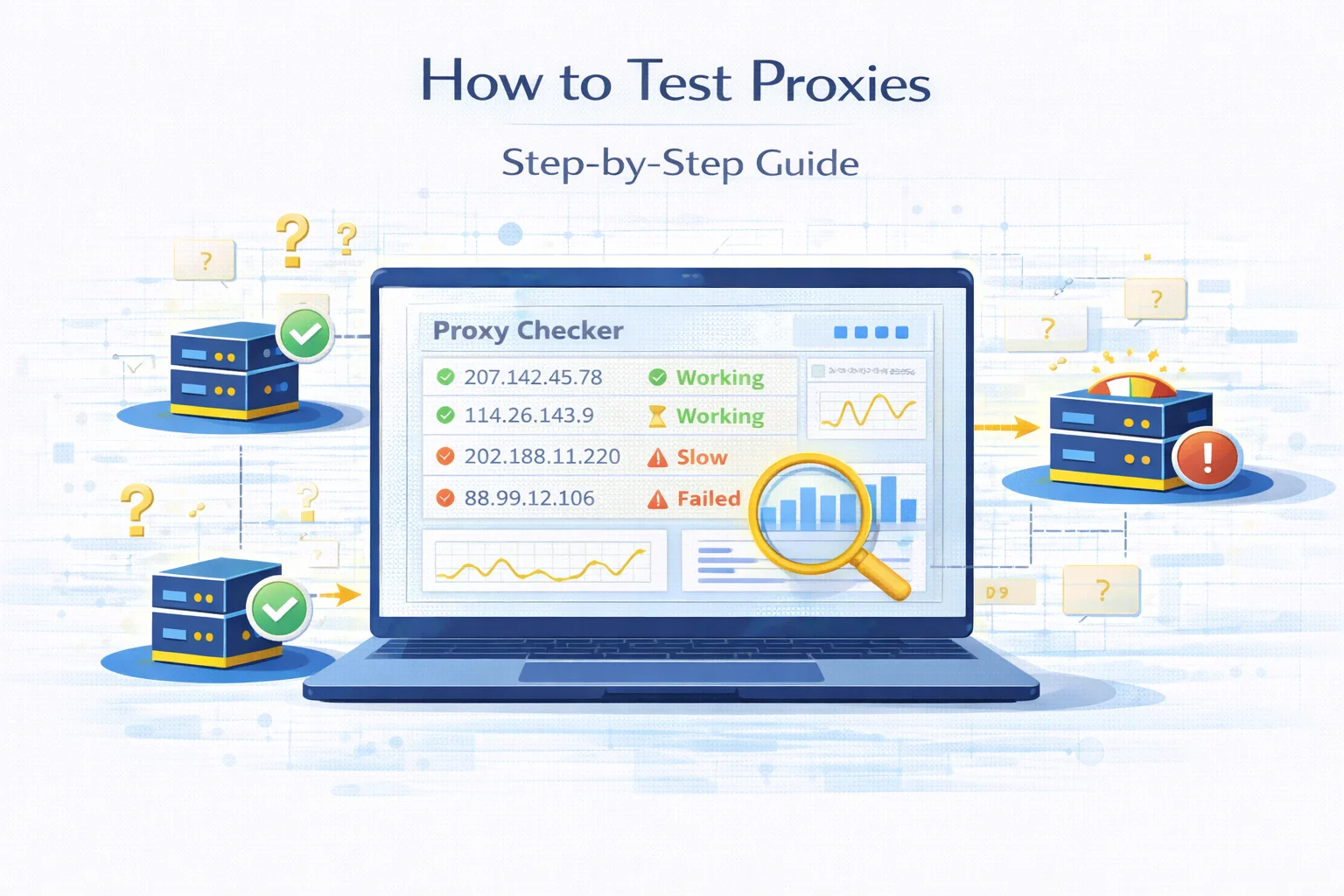
Testing proxies is one of the first tasks developers perform before launching scraping systems, automation workflows or monitoring tools.
A proxy list may contain hundreds of IP addresses, but not every endpoint will function correctly. Some proxies may be offline, misconfigured or already blocked by target websites.
If such endpoints are used without verification, requests may fail, scripts may slow down and automation pipelines can become unstable.
For this reason engineers usually verify proxies before integrating them into production systems. Testing allows developers to identify working proxies, remove unreliable nodes and measure connection performance.
This guide explains how proxy testing works and what steps developers typically follow to validate proxy infrastructure.
Why Proxy Testing Is Important
When requests pass through a proxy network, multiple systems are involved in the routing process. Any failure in that chain can break the connection.
Testing proxies helps detect these issues early.
| Potential Problem | What Happens |
| inactive proxy server | connection fails instantly |
| misconfigured authentication | login errors occur |
| slow network routing | requests take too long |
| blocked IP address | websites return errors |
By testing endpoints in advance, developers avoid deploying unreliable proxies into production environments.
What Information Proxy Testing Reveals
A proxy checker analyzes several characteristics of the connection. These indicators help determine whether the proxy is usable.
| Parameter | What It Shows |
| connection status | whether the proxy responds |
| public IP address | which IP websites detect |
| response speed | how fast the proxy answers |
| protocol type | HTTP, HTTPS or SOCKS |
| location | geographic region of the IP |
These metrics help evaluate both connectivity and network quality.
Step 1 — Check Proxy Connectivity
The first step is verifying that the proxy endpoint responds to requests.
Testing tools attempt to connect through the proxy and send a request to an external server. If the connection succeeds, the proxy is considered active.
| Result | Meaning |
| successful response | proxy is active |
| timeout | proxy server is offline |
| authentication error | credentials incorrect |
This initial test removes inactive proxies from the list.
To quickly verify whether a proxy server is responding, you can use an online proxy testing tool. Our Proxy Checker allows you to test multiple proxies at once and instantly see whether the connection works.
Step 2 — Confirm the Public IP Address
Even if a proxy responds, developers must verify that traffic is actually routed through it.
This is done by detecting the public IP address visible to external servers.
If the detected IP matches the proxy endpoint, routing works correctly.
| Check | Expected Result |
| public IP | differs from original IP |
| country | corresponds to proxy location |
| network provider | matches proxy network |
This step ensures that requests are not leaking the original IP address.
After connecting through a proxy, it is important to confirm which IP address websites actually see. You can instantly detect your visible IP address using the What Is My IP tool.
Step 3 — Verify Proxy Location
Many automation tasks require proxies from specific regions.
Examples include:
- SEO monitoring
- localized content testing
- ad verification
- regional price tracking
Developers therefore inspect IP geolocation data.
| Data Point | Purpose |
| country | confirms regional targeting |
| ASN | identifies network provider |
| ISP | verifies infrastructure type |
Location verification ensures proxies behave as expected in different geographic environments.
Developers often verify proxy geolocation and network information before using it for scraping or automation. You can inspect detailed IP data using the IP Lookup tool.
Step 4 — Measure Proxy Speed
Connection speed plays a critical role in automation workflows.
Slow proxies increase request time and may trigger gateway timeout errors.
Testing tools therefore measure latency — the time required for a request to travel through the proxy.
| Response Time | Performance |
| below 300 ms | excellent |
| 300–800 ms | acceptable |
| above 800 ms | slow |
Removing slow proxies improves system stability and request throughput.
Step 5 — Detect Blocked or Restricted Proxies
Some proxies respond correctly but cannot access specific websites.
This happens when target platforms block certain IP ranges or detect automated traffic.
Common signs of blocked proxies include:
Testing proxies against real websites helps identify these restrictions early.
Proxy Testing Checklist
Developers often follow a simple checklist when validating new proxies.
| Test | Why It Matters |
| connectivity test | ensures proxy server responds |
| IP verification | confirms correct routing |
| location check | validates geographic region |
| speed measurement | identifies slow endpoints |
| block detection | reveals restricted proxies |
Using this checklist helps maintain a reliable proxy infrastructure.
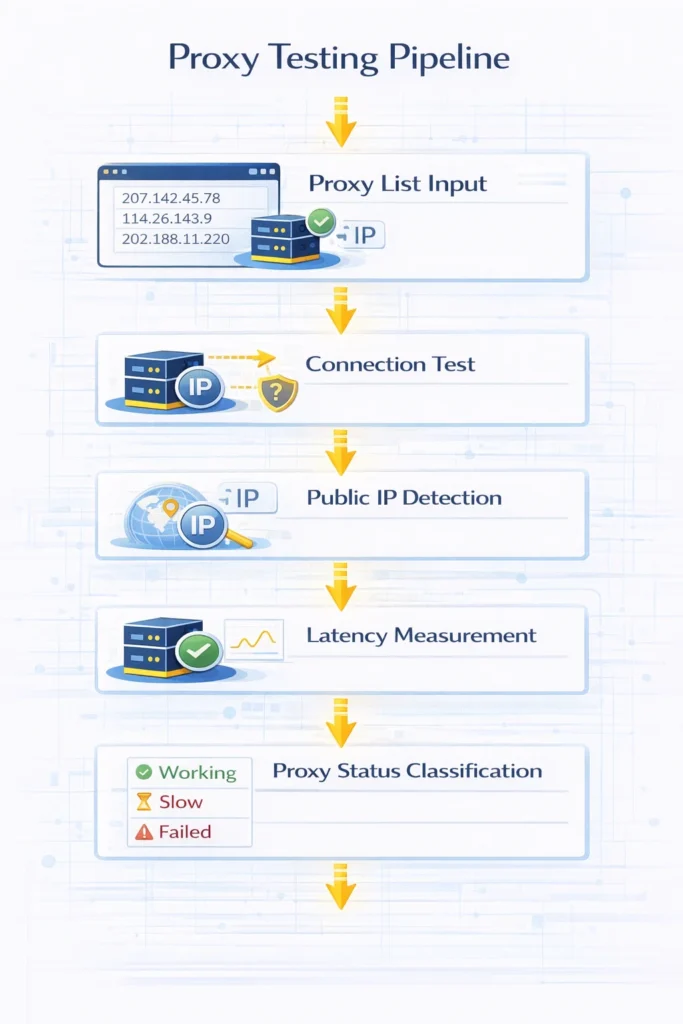
Typical Proxy Testing Workflow
In practice, engineers usually combine several tools when testing proxies.
| Step | Tool Type |
| verify connection | proxy checker |
| detect public IP | IP detection tool |
| inspect IP details | IP lookup |
| remove unstable proxies | proxy management |
Following this workflow allows developers to quickly build a clean proxy pool.
When Developers Usually Test Proxies
Proxy testing is not a one-time process. It is performed regularly during infrastructure maintenance.
| Scenario | Reason |
| importing new proxy lists | remove inactive endpoints |
| debugging scraping scripts | detect failing proxies |
| network monitoring | ensure stable routing |
| automation scaling | maintain reliable proxy pools |
Regular testing helps prevent unexpected failures in production systems.
Best Practices for Proxy Infrastructure
Stable proxy environments require continuous monitoring and maintenance.
| Practice | Benefit |
| test proxies regularly | remove unstable endpoints |
| rotate IP addresses | reduce detection risk |
| monitor response times | prevent slow requests |
| maintain multiple proxy sources | increase reliability |
These practices help maintain efficient automation pipelines.
Final Thoughts
Proxy testing is a critical step when building scraping systems, automation tools or data collection pipelines.
By verifying connectivity, confirming IP routing and measuring response speed, developers can identify reliable proxies and remove unstable ones before launching production workflows.
Consistent proxy testing helps improve connection reliability, reduce request failures and maintain stable network infrastructure.
Glossary
Proxy Checker
A tool that tests whether proxy servers respond and verifies connectivity parameters.
Public IP Address
The external IP address visible to websites when a request is sent through a network.
Latency
The time required for a request to travel between systems and return a response.
Proxy Pool
A collection of proxy servers used to distribute traffic across multiple IP addresses.
IP Lookup
A tool that retrieves network and geographic information about an IP address.
Frequently asked questions
Here we answered the most frequently asked questions.
How can I test if a proxy works?
You can verify a proxy by sending a request through it and checking whether the connection succeeds and the public IP changes.
What should I check when testing proxies?
Developers usually verify connectivity, response speed, IP location and whether the proxy is blocked by websites.
Why do some proxies fail during testing?
Proxies may fail because they are offline, incorrectly configured or restricted by certain websites.
How often should proxies be tested?
Proxy pools are typically tested regularly to ensure that inactive or unstable endpoints are removed.
Testing connection timeouts is just as critical as checking for 200 HTTP codes to avoid hanging worker threads