
Why Websites Show CAPTCHA When Using Proxies (Complete Guide)
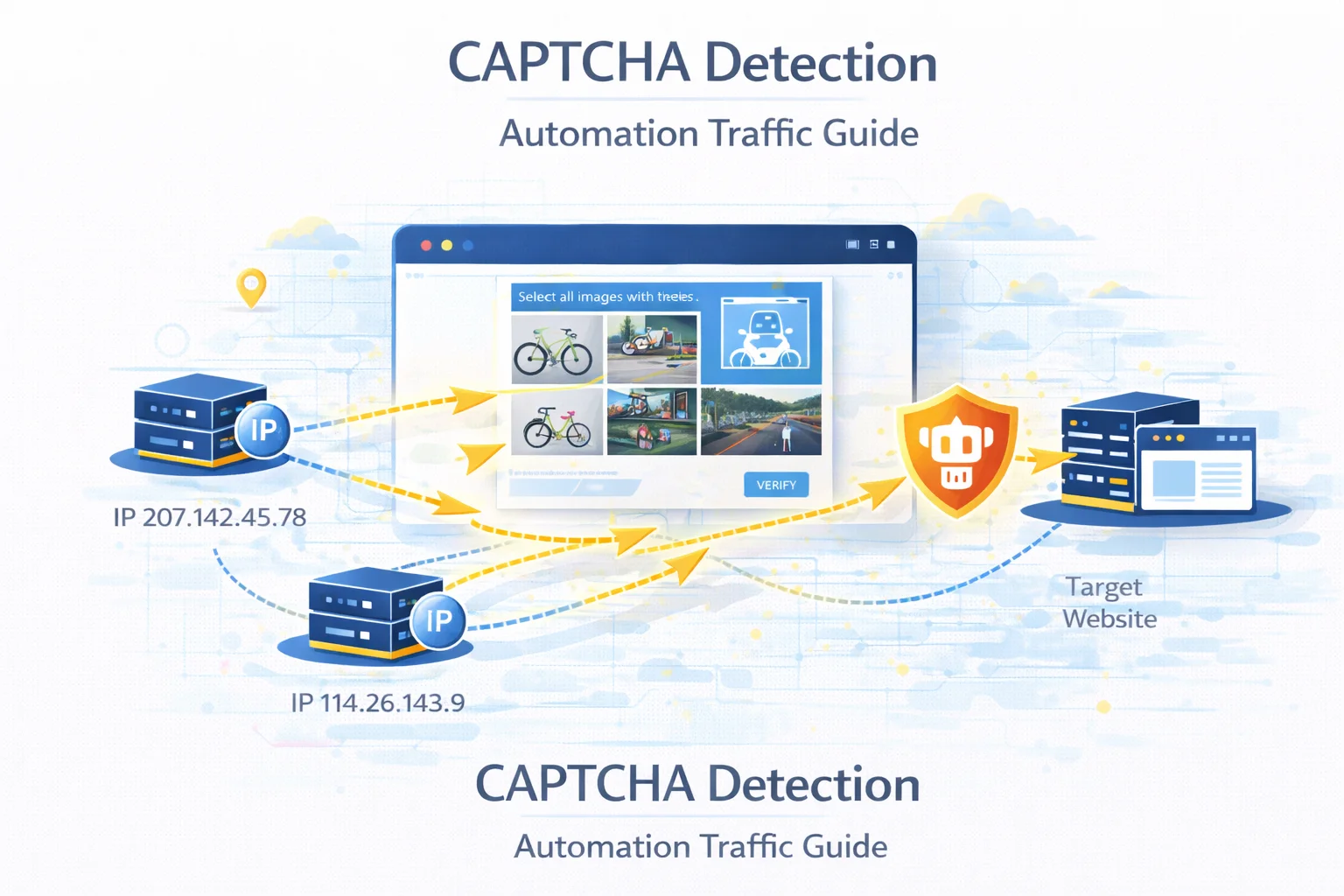
Verification challenges are a common obstacle for developers running automated data collection or large-scale browsing tasks.
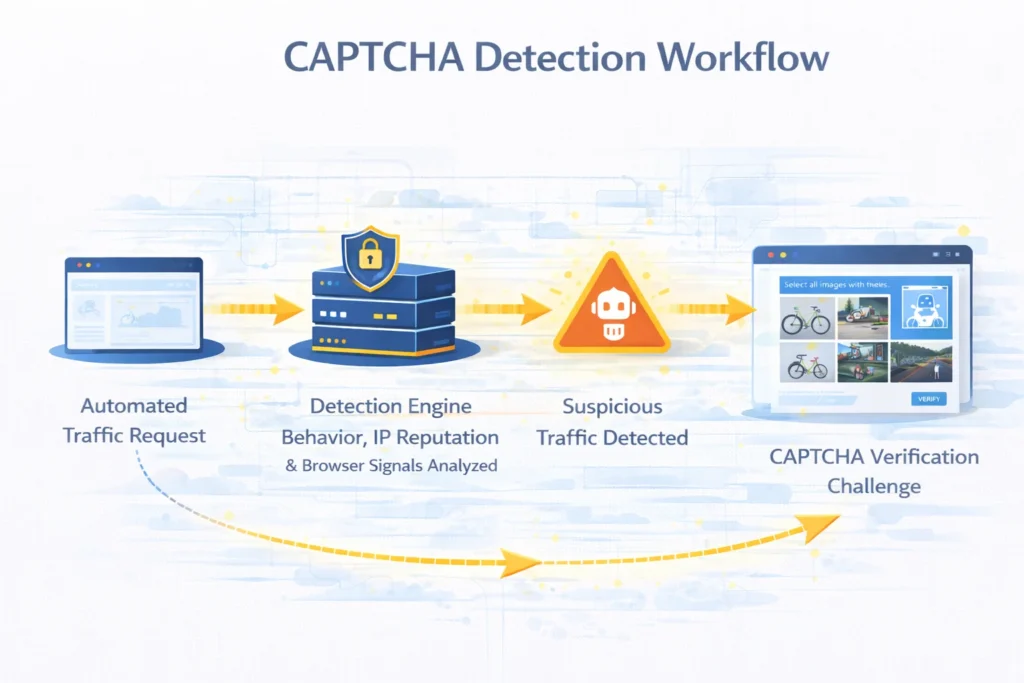
Instead of immediately blocking suspicious traffic, many platforms introduce an intermediate verification step designed to determine whether the visitor is a real user.
When a system detects unusual traffic patterns, it may request a CAPTCHA challenge before allowing the connection to continue.
Understanding the signals that trigger these checks helps engineers design automation workflows that operate more reliably.
Quick Answer
CAPTCHA usually appears when a website suspects that requests are generated by automated systems rather than human visitors.
Typical triggers include:
- abnormal request frequency
- repeated access patterns
- low-trust network ranges
- inconsistent browser information
- multiple sessions originating from the same address
Reducing these signals significantly lowers the probability of verification challenges.
Key Takeaways
- CAPTCHA systems help platforms distinguish human users from automated traffic
- detection algorithms evaluate network reputation and behavior patterns
- scraping frameworks may trigger verification unintentionally
- distributing requests across multiple identities improves reliability
- realistic browser behavior reduces detection signals
What CAPTCHA Actually Does
CAPTCHA stands for Completely Automated Public Turing test to tell Computers and Humans Apart.
Its purpose is to determine whether a visitor interacts with a page like a human.
Verification tasks can include:
- selecting specific images
- solving visual puzzles
- confirming a checkbox
- behavioral interaction analysis
These tests help platforms slow down automated systems without completely blocking access.
Why Platforms Use Verification Challenges
Online services use CAPTCHA to protect their infrastructure from automated abuse.
Typical protection goals include:
| Purpose | Explanation |
| limit automated data collection | protect valuable datasets |
| prevent fake account creation | reduce spam registrations |
| protect login systems | stop credential attacks |
| avoid automated purchases | protect limited products |
Instead of blocking traffic entirely, verification challenges introduce friction for automation systems.
Signals That Activate CAPTCHA
Modern detection systems rely on multiple behavioral indicators rather than a single factor.
| Detection Factor | Description |
| network reputation | traffic originates from hosting infrastructure |
| traffic speed | extremely fast navigation patterns |
| browser configuration | unrealistic device parameters |
| session behavior | missing cookies or navigation flow |
| automation patterns | repeated identical interactions |
When several of these signals appear together, verification is often triggered.
Detection logic is discussed in Proxy Detection Guide.
Network Reputation and Verification
One of the strongest detection signals is the reputation of the network from which traffic originates.
Certain network environments are more likely to trigger verification.
| Network Environment | CAPTCHA Probability |
| hosting infrastructure | higher |
| ISP networks | moderate |
| residential connections | lower |
| mobile carrier networks | lowest |
Connections that resemble normal consumer activity usually encounter fewer verification challenges.
See network identity differences in Residential vs Datacenter vs ISP vs Mobile Proxies.
Behavioral Signals
Automation scripts often generate traffic patterns that differ from normal browsing activity.
Examples include:
- extremely fast page transitions
- identical request sequences
- constant navigation intervals
- simultaneous page loads
Such patterns can quickly attract attention from anti-bot systems.
Browser Fingerprint Analysis
Web platforms often analyze browser characteristics to identify unrealistic environments.
Important signals include:
- browser version
- screen resolution
- language settings
- supported features
- device characteristics
If these values appear inconsistent with typical user devices, verification challenges may be triggered.
How to Reduce CAPTCHA Challenges
Reducing verification frequency requires improving the realism of automated traffic.
Distribute Requests Across Multiple Identities
Sending all traffic through a single network identity concentrates activity and increases detection risk.
Distributing requests across multiple endpoints significantly reduces this signal.
Traffic distribution techniques are explained in IP Rotation Explained.
Introduce Natural Delays
Human browsing behavior is rarely perfectly timed.
Randomized request intervals produce traffic patterns that appear more natural.
| Request Timing | Detection Risk |
| fixed interval | higher |
| random delay | lower |
| adaptive pacing | lowest |
Maintain Consistent Sessions
Certain platforms monitor browsing continuity.
Maintaining cookies and realistic navigation flows improves request credibility.
This approach is especially useful when working with authenticated environments.
Use Higher-Trust Network Types
Traffic originating from consumer networks often encounters fewer verification challenges than traffic from hosting providers.
Selecting appropriate network environments can significantly improve access stability.
CAPTCHA in Scraping Workflows
Verification challenges frequently appear during automated data collection.
Typical scenarios include:
- search engine scraping
- ecommerce monitoring
- social media automation
- account creation workflows
See infrastructure strategies in Best Proxy for Web Scraping.
Designing systems that mimic realistic browsing behavior helps minimize interruptions.
Final Thoughts
CAPTCHA verification systems are designed to distinguish human visitors from automated traffic.
While these systems cannot always be avoided entirely, understanding the signals that activate them helps engineers significantly reduce their frequency.
Carefully managing traffic distribution, browser realism and session behavior leads to more stable automation environments.
Glossary
CAPTCHA
A verification system used to distinguish human users from automated scripts.
Browser Fingerprinting
A technique that identifies visitors based on browser and device characteristics.
Network Reputation
An evaluation of a network’s historical behavior used to determine trust level.
Traffic Distribution
The practice of spreading requests across multiple identities to reduce concentration.
Session Persistence
Maintaining consistent browsing identity during an interaction session.

Frequently asked questions
Here we answered the most frequently asked questions.
Why do websites show CAPTCHA when automated traffic is detected?
Platforms use verification challenges to confirm that visitors are real humans rather than automated programs.
Can automated systems completely avoid CAPTCHA?
Not always, but realistic traffic behavior and distributed network identities significantly reduce the probability.
Why do hosting networks trigger CAPTCHA more often?
These environments are frequently associated with automated systems, so platforms apply stricter filtering.
How can I test whether my connection triggers detection signals?
Network diagnostic tools such as What Is My IP and IP Lookup can help verify how your traffic appears to websites.
A high IP fraud score on the subnet is usually the real culprit behind instant reCAPTCHA prompts, even with fresh browser sessions