
Low Latency Proxies: How to Choose the Fastest Proxy Network
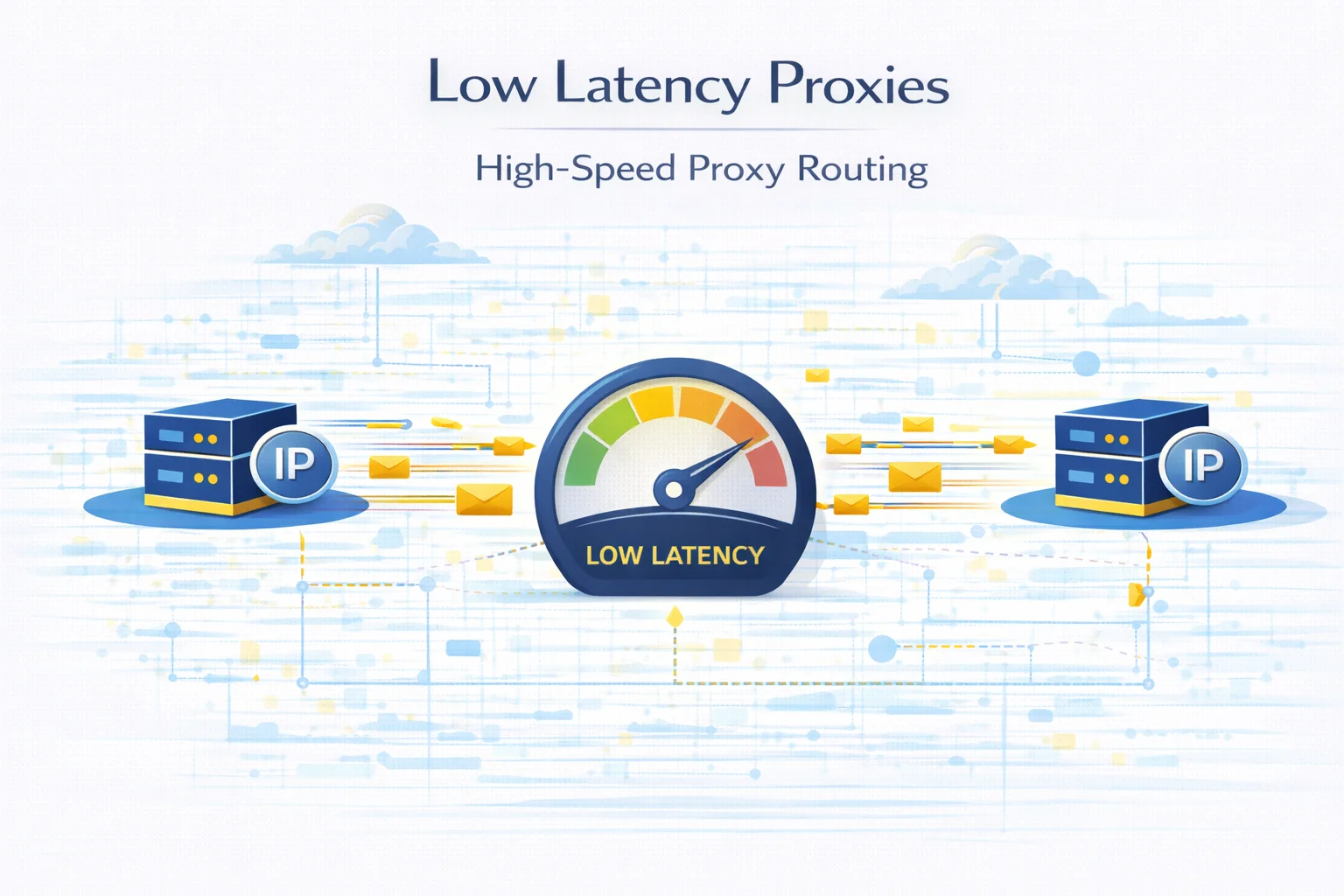
In many proxy-based workflows, connection speed is just as important as IP quality. Automation tools, scraping systems and data collection platforms often send thousands of requests every minute.
If the proxy network responds slowly, the entire process becomes inefficient. Requests take longer to complete, scripts pause while waiting for responses, and large tasks may take significantly more time than expected.
This is why many developers focus on low latency proxies when building proxy infrastructure.
Latency describes how quickly a network responds after a request is sent. The lower the latency, the faster communication happens between the client, the proxy server and the destination website.
Understanding how proxy latency works makes it much easier to select the right infrastructure for high-volume workloads.
What Low Latency Proxies Actually Mean
A low latency proxy is simply a proxy server that processes and forwards requests with minimal delay.
Whenever a proxy is used, traffic does not go directly to the destination website. Instead, the request travels through an additional server that acts as an intermediary.
The simplified request path looks like this:
Client → Proxy → Target Website → Proxy → Client
Each step introduces a small delay. In well-optimized networks the delay is barely noticeable, but in poorly optimized networks it can quickly accumulate.
Latency is usually measured in milliseconds and represents how quickly the network begins responding to a request.
If you want to understand the mechanics of this delay in more detail, see Proxy Latency Explained: What It Is and How to Reduce Response Time.
Why Latency Becomes a Problem in Automation
Latency often becomes noticeable only when systems operate at scale.
When a script sends a few requests, even slow proxies may appear to work normally. However, when thousands of requests are processed, delays accumulate very quickly.
High response times can cause several issues:
- automation tasks finish much slower than expected
- scraping pipelines process fewer pages per minute
- API integrations start failing due to timeouts
- connections become unstable during heavy workloads
When responses take too long, servers may stop waiting for them. In such cases users may encounter errors such as 504 Gateway Timeout When Using Proxies.
Network routing problems may also trigger issues like HTTP 502 Bad Gateway When Using Proxies.
Which Proxy Types Are the Fastest
Proxy speed varies significantly depending on how the infrastructure is built.
| Proxy Type | Typical Latency | Network Environment |
| Datacenter proxies | 10–50 ms | Server infrastructure |
| ISP proxies | 30–100 ms | Residential ASN with datacenter routing |
| Residential proxies | 80–300 ms | Real household connections |
| Mobile proxies | 200–800 ms | Cellular carrier networks |
Datacenter proxies generally provide the fastest response times because they operate in high-performance server environments.
ISP proxies are slightly slower but still benefit from stable server routing.
Residential proxies rely on real consumer internet connections, which naturally introduces additional delay.
Mobile proxies often have the highest latency because traffic passes through mobile carrier networks.
Developers often compare these infrastructures carefully before deciding where to buy proxies for their systems.
What Influences Proxy Latency
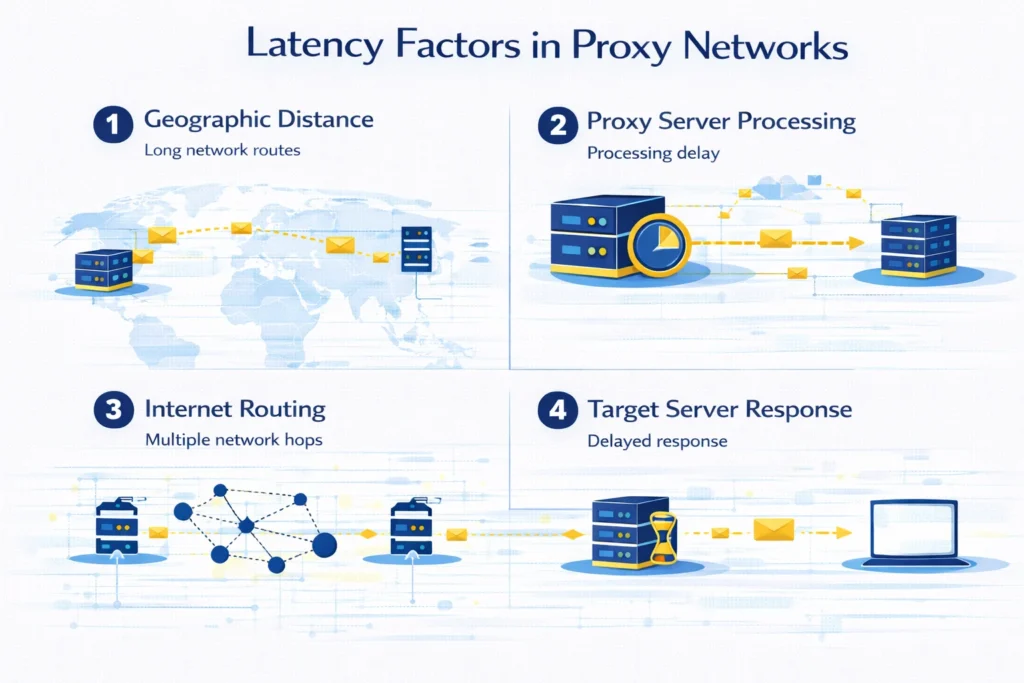
Proxy latency does not depend on a single factor. Instead, it is influenced by multiple network conditions.
Distance between networks
If the proxy server is located far away from the target website, requests must travel longer network routes. This increases response time.
Server load
When too many users share the same proxy infrastructure, servers may take longer to process requests.
Internet routing paths
Internet traffic does not always follow the shortest physical route. Some routing paths involve additional network hops.
Destination server performance
Sometimes the delay comes from the website being accessed rather than from the proxy itself.
To understand where an IP address is hosted and which network owns it, developers often analyze it using IP Lookup.
How to Find Fast Proxy Servers
Before deploying proxies into production systems, many engineers run a simple testing process.
Step 1 — Check proxy availability
The first step is verifying that proxy endpoints respond correctly. Tools like Proxy Checker allow you to test connection status and measure response speed.
Step 2 — Confirm the visible IP address
Next verify that traffic is routed through the proxy network. This can be done using What Is My IP.
Step 3 — Compare response times
Finally compare multiple proxies and select those with the lowest response time.
Stable proxies usually provide consistent latency instead of large fluctuations.
How to Reduce Proxy Latency
Even when using reliable infrastructure, there are several ways to improve proxy performance.
Use proxy locations close to target websites
Shorter network routes usually result in faster response times.
Monitor proxy performance regularly
Slow or unstable proxies should be replaced before they affect automation systems.
Avoid overloaded proxy pools
Large numbers of concurrent users can increase server processing time.
Choose providers with optimized infrastructure
Professional proxy networks often maintain better routing and hardware performance.
Key Takeaways
Low latency proxies are proxy servers that process requests quickly and return responses with minimal delay.
Fast response time improves automation stability, increases scraping efficiency and reduces the risk of timeout errors.
Datacenter and ISP proxies typically provide the fastest response times, while residential and mobile proxies may introduce additional delay due to network routing.
Testing proxies regularly and monitoring their performance helps maintain reliable proxy infrastructure.
Glossary
Latency
The delay between sending a request and receiving a response.
Round Trip Time
The total time required for a request to travel to a server and back.
Proxy Server
An intermediary system that forwards traffic between a client and a destination website.
Bandwidth
The maximum amount of data that can be transferred over a network connection.
ASN
A number that identifies the organization responsible for an IP network.

Frequently asked questions
Here we answered the most frequently asked questions.
What is considered low proxy latency?
Latency below 100 milliseconds is generally considered fast for proxy connections.
Are datacenter proxies faster than residential proxies?
In most cases yes. Datacenter proxies run in optimized server environments, while residential proxies rely on consumer internet connections.
How can proxy latency be tested?
Latency can be measured using proxy testing tools such as Proxy Checker
Keep-alive connections make a massive difference. Reusing the TCP handshake drops round-trip overhead significantly on batch requests